
Using an eSIM transforms Singapore–Malaysia border crossings because you avoid signal gaps, switch networks instantly, and stay reachable from checkpoint to café. This matters if you commute, day-trip, or work remotely across borders because connectivity affects maps, payments, messaging, and safety. If you want your next crossing to feel effortless, start planning your setup before reaching immigration.
Discover why eSIMs improve Singapore–Malaysia border crossings, how to use them at Woodlands Checkpoint, and simple activation tips for smoother causeway travel.
Why connectivity matters at the Singapore–Malaysia crossing
The journey from Singapore to Malaysia is short but unpredictable. Peak times at Woodlands Checkpoint and the Tuas Second Link can slow your crossing, while network switching causes brief service drops. Whether you’re heading for a quick JB day trip, monthly business visits, or regular commuting, stable data matters more than you think.
If you’re new to eSIM tech, start with what is an eSIM card. It replaces the need for physical SIM swapping and lets you activate Malaysia and Singapore mobile profiles directly on your phone. That means smoother transitions when your bus rolls past the border or when you exit Malaysian immigration at Johor Bahru Sentral.
This region thrives on blended movement—Singapore residents enjoy shopping and food runs to Johor Bahru, while Malaysians commute into Singapore for work. For digital nomads, cross-border coworking and café culture also add appeal. In all these cases, an eSIM Singapore or eSIM Malaysia setup lets you:
- Skip kiosks selling tourist SIMs
- Reduce roaming surprises
- Keep mobile payments and maps working
- Maintain messaging while buses wait at customs
Better still, you can combine both into a single phone without juggling plastics.
How an eSIM supports fast, flexible border travel
Once you pair an appropriate plan with your device, border crossing connectivity becomes predictable. Your phone switches profiles automatically or by preference, and you stay online the entire route.
This matters for:
- Singapore to Malaysia travel by bus or train
- Ride-hailing pickups near checkpoints
- Live navigation in JB city streets
- Trip planning in malls and cafés
Even better, you can use the same eSIM for long stays. Frequent commuters often set up dual profiles to swap data depending on where they spend the most time.
Simple steps to set up before traveling
If you want to avoid the hassle of finding kiosks or asking for QR codes at the border, prepare your eSIM before you leave home. Here’s the easiest way to do that.
-
Pick your region or country plan
Decide whether you need only Malaysia, only Singapore, or a multi-country Southeast Asia solution. If you plan regular Singapore to Malaysia travel, a Southeast Asia regional pass usually gives the best value.
To compare these options, read the setup flow at how Yoho Mobile works; it explains activation steps and coverage in simple terms.
-
Buy your eSIM and scan the QR code
After purchase, you’ll get installation instructions. Load this profile on your phone while you’re still in Singapore, then keep it inactive.
-
Cross the checkpoint with peace of mind
When you approach Woodlands Checkpoint, enable roaming on your Malaysia line or Singapore line depending on direction. Once you reach Johor Bahru, the Malaysia profile kicks in for local data and apps.
-
Switch back when returning
When re-entering Singapore, select your Singapore profile or keep your Southeast Asia plan running across both borders if it supports dual coverage.
-
Monitor usage
Keep an eye on your data so your JB day trip doesn’t burn through your allowance, especially if you hotspot or stream.
Quick reminder
If you want to test the process ahead of time, you can activate a regional plan right now and see how the menus work. This lets you hit the causeway knowing your phone will stay connected.
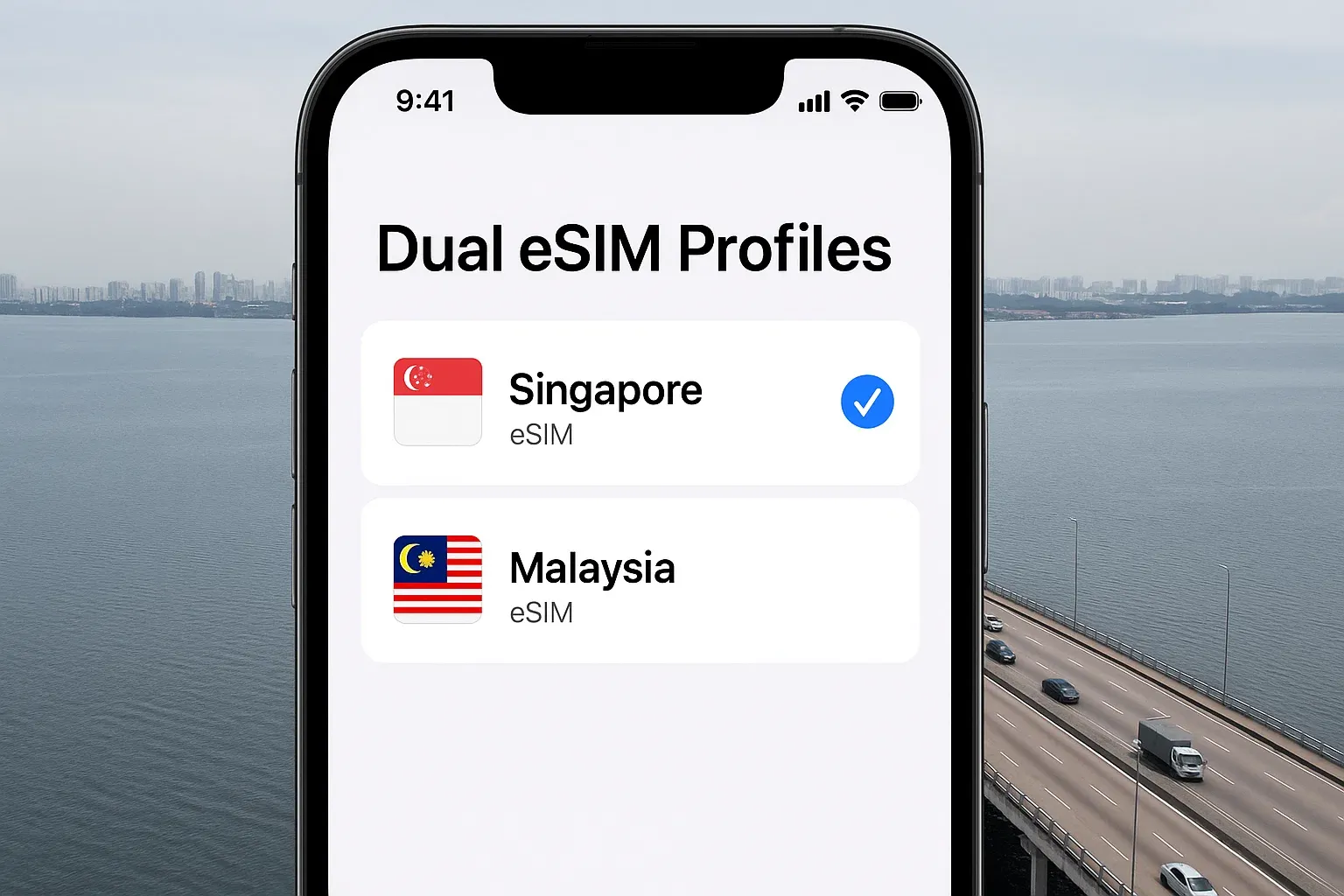
Real-world benefits when crossing the causeway
Your first crossing with an eSIM will tell you everything you need to know. Instead of losing signal mid-bridge, your device simply switches networks. If there’s a delay at immigration, you still browse, chat, or check maps. Once you reach malls like Johor Bahru City Square, you can link to ride-hailing, mobile banking, or restaurant queues without interruption.
A traveller taking frequent JB day trips might:
- Start navigation in Singapore
- Switch to Malaysian data on entry
- Launch food delivery apps in Johor Bahru
- Use e-wallets or rides without SIM changes
This kind of frictionless movement is why an eSIM Malaysia setup beats hunting kiosks. For commuters, it keeps transport apps ready for both countries. For business travelers, it ensures email and meeting links function throughout the journey.
If you want these perks in your pocket before your next trip, you can pick a Yoho plan built for Malaysia and Singapore so your border crossing connectivity stays hassle-free.
Extra tips for smooth Singapore to Malaysia travel
- Travel outside peak hours to reduce Woodlands queues.
- Keep your device charged so QR codes and payments don’t fail at customs.
- Download offline maps for backup.
- Check Malaysian roaming settings before reaching JB.
- Use apps like Grab or local bus services near customs for smoother transfers.
Key takeaways
- An eSIM streamlines Singapore–Malaysia transitions, avoiding SIM swaps.
- You stay online at Woodlands Checkpoint and during causeway travel.
- Frequent commuters and nomads benefit most from dual Malaysia and Singapore profiles.
- JB day trips feel smoother when navigation, banking, and messaging all work instantly.
- Regional plans outperform single-country SIMs if you cross borders often.
FAQs
Will an eSIM work instantly at the border?
Yes. As long as it’s installed beforehand, switching happens within seconds.
Do I need separate data for Singapore and Malaysia?
You can, but regional plans simplify it. Choose what matches your routine.
Is it safe to use eSIMs?
Yes. eSIMs follow global security standards like GSMA eSIM standards.
Can I activate after arriving in JB?
You can, but installing earlier avoids hunting for Wi-Fi.
How should I choose data size?
Estimate based on maps, messaging, and hotspot needs. Frequent crossings need larger allowances.
Conclusion
The Singapore–Malaysia crossing should be enjoyable, not a connectivity guessing game. If you want seamless maps, payments, and messaging, you can choose a Yoho plan for Malaysia or Southeast Asia and arrive knowing your device will perform across borders.