
If you use Maybank MAE overseas, you need stable mobile data to authenticate payments, track spending, and secure transactions, so activating an eSIM before you travel keeps your wallet working wherever you land.
Your travel e-wallet matters when you board flights, pay for meals, book rides, or top up transport cards. Without data, overseas transactions fail or stall. Ready to avoid security risks? Install your esim for Malaysia before departure and keep your account protected from the moment you arrive.
Picture by Thriday on Unsplash
Why Maybank MAE overseas use requires stable connectivity
Maybank MAE is a popular Malaysian digital banking and travel e-wallet app. It lets you send payments, exchange currency, check balances, and approve verification alerts. When you take it abroad, you rely on live internet to authenticate transactions and monitor activity.
If you land in Thailand, Australia, or Singapore, your app may ask for biometric approval or SMS notifications. Without reliable data, your payment waits or declines. Understanding what is an eSIM card becomes essential because digital SIM activation keeps your Malaysian app connected across borders without swapping cards or searching kiosks.
An esim for Malaysia travelers helps you maintain secure mobile payments, especially when you use MAE features like foreign exchange wallets or QR Pay. Banking apps depend on real-time sync. If your network drops, transactions stall or security checks lock the app.
The risk of traveling without proper data access
Travel often involves unpredictable Wi-Fi. Hotel networks vary, airport Wi-Fi has sign-in walls, and public hotspots expose your banking apps to risk. Your Maybank MAE overseas usage becomes safer when you rely on personal mobile data instead of unknown networks.
Payment approvals, cross-border payment messaging, and card control features need private connectivity. If your MAE app attempts verification over unsecured hotspots, attackers may exploit weaknesses.
Travelers often report issues:
- Cards failing at overseas terminals
- Not receiving app alerts in time
- Logging delays due to blocked Wi-Fi
- Frozen transfers without data access
An eSIM improves this experience because you activate your plan before flying, then use secure data channels abroad.
How an eSIM supports secure mobile payments abroad
Your banking app uses encryption, authentication, and cloud sync. When you use cheap roaming networks, speeds throttle and routing becomes unstable. But an eSIM gives you local or regional access with better speeds and lower latency.
Key advantages include:
- Instant activation
- Access to overseas payment gateways
- Faster confirmation messages
- Reduced risk on public Wi-Fi
If you explore several countries, choosing multi-region travel e-wallet data through a single eSIM means fewer SIM swaps. You avoid re-verification failures triggered by SIM changes or network resets.
Step-by-step guide: preparing your MAE app for international use
-
Check eSIM compatibility
Verify your phone supports eSIM. Many newer iPhones and Android flagships do. If unsure, review telecom resources such as GSMA eSIM standards. -
Enable MAE international settings
Check your app’s cross-border payment features and enable transaction alerts before departure. -
Install your eSIM before boarding
Scan your plan, connect to stable data, and verify MAE login access over your new connection. -
Enable biometric or PIN verification
This ensures your e-wallet handles transactions securely without SMS delays. -
Monitor usage while abroad
Track data consumption so your secure mobile payments never fail mid-trip.
If you want a walk-through on activation steps, review setup tips on how Yoho Mobile works before your flight.
Practical examples from travelers using Maybank MAE overseas
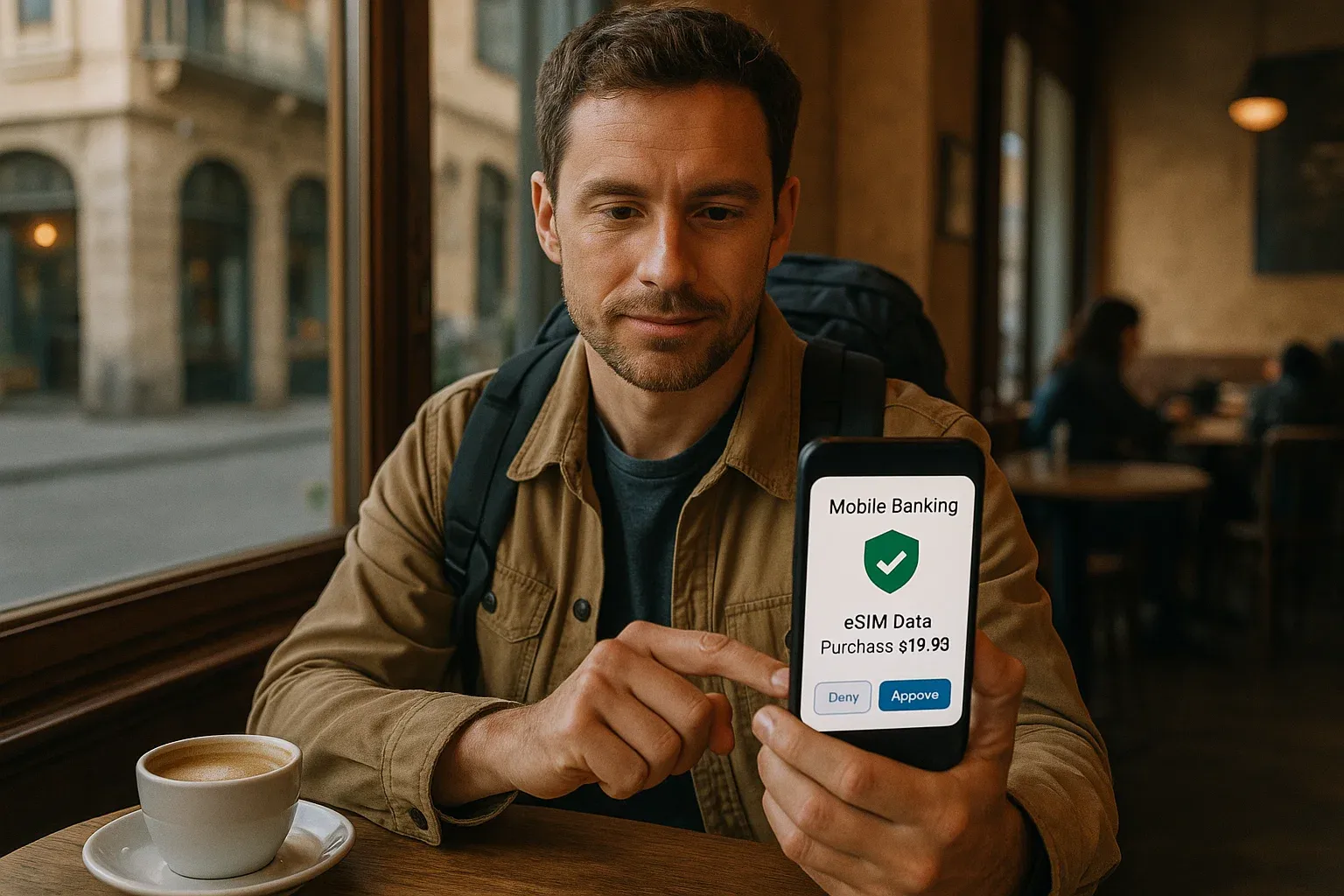
A student visiting Seoul attempted to pay for transit reloads but couldn’t receive app notifications because hotel Wi-Fi blocked push channels. Their friend with an eSIM completed payments instantly.
A digital nomad in Bangkok logged into MAE while on café Wi-Fi and received a security challenge. The network flagged as suspicious, forcing account re-authentication. After switching to mobile data, MAE approved transactions smoothly.
These examples show why direct mobile connectivity matters more for banking apps than entertainment apps.
Why an eSIM beats roaming for MAE users
Traditional roaming sometimes creates unstable routing between authentication servers. MAE needs quick confirmation. With eSIM plans built for Malaysia travelers, routing becomes efficient and predictable.
As you handle cross-border payment flows, a data drop could freeze the MAE app. Using an eSIM helps you establish consistent identity signals, reducing fraud risk or false flags while overseas.
Key security benefits when using an eSIM with MAE
- Private data channels
- Strong signal priority
- Fewer interruptions in authentication
- Avoidance of unknown Wi-Fi tracking
- Reliable push notification delivery
When you consider how your travel e-wallet functions, these advantages support smoother spending and fast approvals.
Using MAE for overseas cashless trip planning
Travelers love MAE because:
- It holds foreign exchange wallets
- It supports budgeting tools
- It uses QR Pay where available
- It provides instant card lock features
An esim for Malaysia travel strengthens those functions because you control synchronization, budgeting alerts, and security actions without waiting for Wi-Fi.
If you want this convenience, secure a Yoho Mobile eSIM ahead of your flight so you never lose access during checkouts or transfers.
Managing cross-border payment flows safely
You may send money to friends, top up ride apps, or pay digital invoices. MAE uses risk checks. If your connection drops, those checks pause. That is why travelers often favor eSIMs: predictable network routes help apps verify that it is really you.
With roaming, carriers sometimes reroute traffic inconsistently, confusing identity systems. With destination-based eSIM access, you appear consistent, lowering friction.
What to do if MAE authentication fails abroad
- Restart connection
- Switch from Wi-Fi to mobile
- Trigger PIN-based authentication
- Use offline approval codes
- Contact MAE support if needed
Your eSIM helps these solutions because strong data speeds restore push notifications and routing quickly.
Key takeaways for travelers
- Install eSIM before departure
- Test MAE login after activation
- Avoid unknown Wi-Fi for payments
- Enable biometric approval
- Monitor overseas transaction alerts
FAQs
Does MAE work overseas?
Yes, but you need data to authenticate and approve payments.
Can Wi-Fi alone support MAE abroad?
It can, but banking reliability improves when you use secure mobile data.
Why should I use an eSIM with MAE overseas?
It supports stable verification, secure routing, and consistent push delivery.
Can I switch countries without changing SIM cards?
Yes. Multi-country eSIMs handle multiple regions without SIM swaps.
Is mobile data safer than public Wi-Fi for MAE?
Often yes. Private cellular connections reduce exposure risks.
Conclusion
Using Maybank MAE overseas becomes easier when your data stays stable and secure. With an eSIM, you handle payments, approvals, and alerts wherever you travel. Stay financially confident by choosing a Yoho Mobile plan that supports your banking needs abroad.