
Stay connected during flight interruptions with a flight delay data plan that gives you instant access to alerts, rebooking tools, and messaging when airport Wi-Fi fails. Using an eSIM for travel ensures you navigate disruptions smoothly, keep loved ones updated, and access accurate information when you need it most.
Travel disruption feels stressful, especially when storms ground planes and crowd terminals. Your phone becomes your lifeline for hotel changes, boarding updates, and safety info, so you need reliable data you control instead of weak public networks.
Ready to stay calm through delays? Pick your eSIM plan now so you stay connected when travel chaos hits.

Why Connectivity Matters During Travel Disruptions
When storms disrupt air travel, confusion spikes. The airport Wi-Fi alternative you hoped for may be overloaded, slow, or require lengthy login steps. You refresh flight apps, call hotels, and monitor airline updates. Without steady emergency travel data, you risk missing crucial messages.
When you first learn about what is an eSIM card, you see how effortless activation makes your device independent of airport Wi-Fi or local SIM vendors. You scan a QR code before boarding or at the gate, and your connection activates instantly. No kiosks, no lines, no lost time.
Airport staff work hard, but weather delays affect systems and schedules. Using your phone’s data gives you an information pipeline when airline counters feel packed or travelers flood help desks.
Why an eSIM for Travel Outperforms Airport Wi-Fi
Airport networks struggle during storms because thousands of travelers connect at once. Your device might time out, disconnect, or lag. This blocks messages about rebooking or gate changes.
A flight delay data plan through eSIM solves that problem. You control your connection, bypass crowd congestion, and stay ahead of airline emails. Benefits include:
- Faster access to rebooking pages
- Stable GPS access for rideshares
- Mobile boarding passes without scanning errors
- Messaging friends or work
- The ability to research alternate airports
You secure peace of mind despite chaos around you.
Step-by-Step Guide: Staying Online During Storm Delays
- Activate your eSIM early
- Choose an emergency travel data plan before you fly.
- Scan the QR code so your phone is ready before delays occur.
Tip: Turn on roaming for the eSIM before leaving home
- Connect to airline apps
- Let your device sync travel alerts.
- Store boarding documents and loyalty cards.
Tip: Screenshot boarding passes to avoid Wi-Fi issues at gates
- Use your digital plan to rebook
- Check flight status pages without relying on airport Wi-Fi.
- Monitor alternatives within your airline app.
Tip: Search hotel availability when delays stretch overnight
- Stay productive
- Host video calls, message family, or browse guides.
- Translate local communication if stranded abroad.
Tip: Use hotspot mode for laptops if needed
When storms strike, you benefit from control. Searching for help becomes easier when your phone stays online. Need a refresher? Check simple steps at how Yoho Mobile works before you travel.
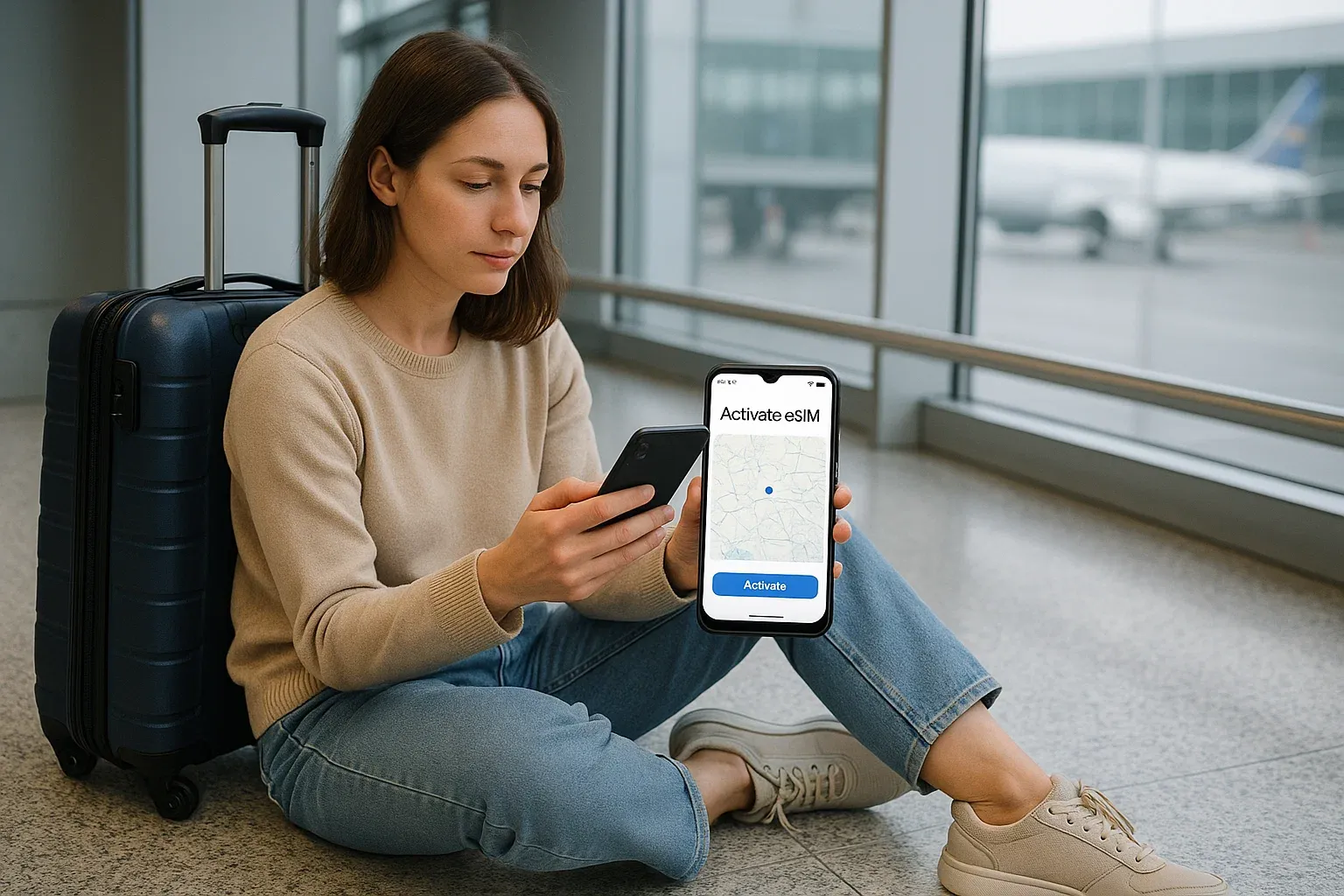
Waiting feels less stressful with your own line. Ready to protect your next trip from surprise delays? Secure a Yoho Mobile eSIM abroad so you never fight for signal again.
Real Traveler Scenarios
One family stranded at London Heathrow Airport during weather delays said their eSIM kept them connected for meal ordering and ride updates. Another traveler stuck in Chicago used their data to change hotels and track flight availability when terminal Wi-Fi crashed. In both cases, their eSIM for travel carried the load when networks failed.
Situations like hurricanes, snowstorms, or volcanic ash can bring long waits. People who prepared with eSIMs avoided panic and handled rebookings calmly.
Why Airport Wi-Fi Fails During Disruptions
Airport networks serve thousands daily. During storms, even more people lounge around and stay connected longer. Wi-Fi bandwidth scatters among devices. Travelers open video apps, run VPNs, or hold calls. Systems struggle under pressure.
That makes a paid airport Wi-Fi alternative risky. Your emergency travel data remains yours alone. You skip login screens, dropped networks, or limited access zones.
How Much Data Do You Need?
A small plan offers enough to check airline apps, maps, and messaging. If you log into video calls or stream entertainment during delays, choose 3–5 GB or more. Data needs rise when delays stretch overnight.
A flight delay data plan lets you top up easily. Your usage changes, so flexibility matters.
Smart Travel Tips During Storms
- Refresh airline apps often
- Save copies of boarding passes
- Use messaging apps instead of calls for faster info
- Plug into airport power stations early
- Move to quiet gates to avoid Wi-Fi overload
Emergency travel data supports these habits, keeping you informed and efficient.
External Sources You Can Rely On
Organizations like GSMA eSIM standards shape safe connectivity policies. Airline sites like Delta or airport authorities publish real-time updates, but your device needs stable signal to access them.
Key Takeaways
- Don’t depend on airport Wi-Fi during travel disruption
- Use an eSIM for travel to maintain control
- Rely on emergency travel data for rebooking, safety, and coordination
- Flexible plans support evolving needs
- A strong connection turns stress into manageable action
FAQs
Can I activate an eSIM during a delay?
Yes. Most devices activate within minutes.
Will my home SIM stay active?
Yes. You use your eSIM for data while your home number remains.
Does this save money?
Often yes, because you avoid roaming fees and paid Wi-Fi networks.
Does it work internationally?
Most plans offer multi-country coverage. Check your provider first.
Conclusion
Storm disruptions test your patience, but data access keeps you informed and capable. With an eSIM, you handle changes calmly, connect with support, and secure new plans.
Make delays easier to handle and activate your Yoho Mobile eSIM today so you stay online when weather strikes hardest.